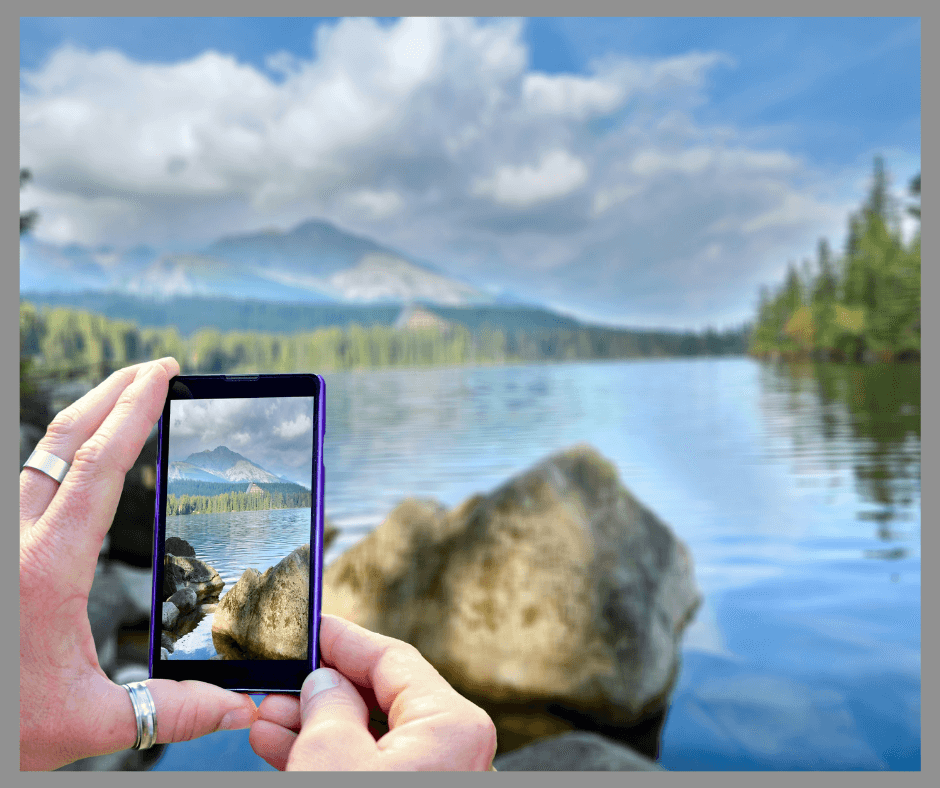
Are you paralyzed with what to do with all the pictures on your phone?
What if I said there is a way to delete your photos from your phone, keep them safe, and enjoy them too?
The Amazon Photo App makes all that possible.
Even better, the app supports videos as well.
It’s the best thing to happen to my photos since I started using a phone to take pictures.
Note:
This post contains affiliate links, which means, at no cost to you, I may earn a commission if you make a purchase through these links. Please note that I only recommend products that I believe will add value to my followers.
As an Amazon Associate, I earn from qualifying purchases.
Links are available at the end of the post.
My Story
I first wrote about this situation in 2023.
Since then, my way of managing phone photos has slowly evolved, until finally, this past weekend, I hit on a solution that I feel certain I can live with for a long time to come.
Like everyone I know, I have way too many photos on my phone.
The oldest photo currently on my phone is from 2019. Six years of photos living on my phone.
From time to time, I would go through and delete a few pictures, move some to a thumb drive, and try to find a long-term solution.
Finally, I simply chose to pay for more cloud storage.
However, since the phone synchs with the cloud, deleting photos still isn’t an option. The extra storage simply allows me to store additional photos.
Although I knew photo apps existed, I was looking for something more.
Finally, this weekend, when it was too cold to do anything else, I made it my goal to come up with a solution I could live with.
And glory hallelujah! Something in my brain kicked in and I revisited Amazon Photos.
If you are experiencing picture paralysis, this is the app for you!
What are some of my favorite things, so far, about the Amazon Photo App?
It’s Free
Once you have an Amazon account, the Amazon Photo App is free to use as well. A
Anyone with an email can sign up for a free Amazon account.
Storage Capabilities
My first consideration when app shopping was storage capabilities.
Prime members have access to an unlimited amount of photo storage as well as a decent amount of storage for videos.
More storage for videos can be purchased for a minimal cost.
Non-prime members have access to free storage as well, although it is greatly reduced.
For those not wanting or needing to upgrade to a prime account, extra storage is available to purchase for a very small cost.
If you don’t want to purchase additional storage, you still have options (more to come on that later.)
Ease of Use
Once installed, the Amazon Photo App is unbelievably easy to use.
After installing and opening the app, 1,467 photos uploaded to the Amazon Cloud in less than three minutes.
Of course, the speed at which your photos upload will depend on your internet speed.
No Synching
Although the upload is automatic, the app is not synched with my phone.
Once the photos have been uploaded, they remain in the Amazon Photo app and can be safely deleted from my phone without having them disappear from the cloud.
Chronological Storage
The photos are uploaded in chronological order, making it easy to browse a year or look for a specific photo.
Printing Photos
Printed photos can be ordered directly from the app.
If you enjoy buying personalized merchandise, there is a direct link to Shutterfly.
Desktop App
If the possibility of losing your photos makes you nervous, download the desktop app.
With the click of a button, you can download or backup your photos to your computer or a thumb drive.
This is the solution if you are not a Prime member. Once your storage is full, download the photos to your computer or a thumb drive, and start over.
I prefer working on a desktop as opposed to my phone, so the fact that I can access my photos (through my Amazon account) on my desktop is the cherry on the top for me.
Enjoy Your Photos
What is the point of taking all these wonderful pictures if you never enjoy the photos you’ve taken?
If you haven’t done so, gift yourself a digital picture frame.
I have an older digital frame that utilizes a thumb drive.
Many of the newer frames allow you to text pictures to your picture frame. However, if you want to enjoy older pictures, and pictures saved to a thumb drive, make sure the frame you choose is compatible with your thumb drive.
After a week of experimenting, these are just a few of my favorite things about the Amazon Photos.
I’m still learning and probably will be for a long time to come.
As I experiment and learn, I will update this post accordingly.
Are you paralyzed with what to do with all the pictures on your phone?
Let go and take action.
Download the Amazon Photo App, upload your photos and videos, delete them from your phone, and move on.
updated 01/30/2026
********************
Find it on Amazon
More About the Amazon Photo App
Sign up for Micki’s Little Letter-my weekly newsletter where I share my newest posts and more!
********************